ATS Resume Format: How to Pass Applicant Tracking Systems
Over 98% of Fortune 500 companies use Applicant Tracking Systems (ATS) to screen resumes. Learn how to format your resume to pass ATS screening and reach human recruiters.
What is an Applicant Tracking System (ATS)?
An Applicant Tracking System (ATS) is software used by employers to collect, sort, scan, and rank job applications. These systems help recruiters manage large volumes of resumes efficiently.
When you submit your resume online, it first goes through an ATS before a human ever sees it. If your resume isn't formatted correctly, the ATS may reject it automatically, even if you're perfectly qualified for the position.
Key Statistics:
- • 98% of Fortune 500 companies use ATS
- • 75% of resumes are rejected by ATS before reaching humans
- • 50% of job applications are submitted through ATS
How ATS Scans Resumes
Understanding how ATS systems work helps you optimize your resume format:
1. Parsing
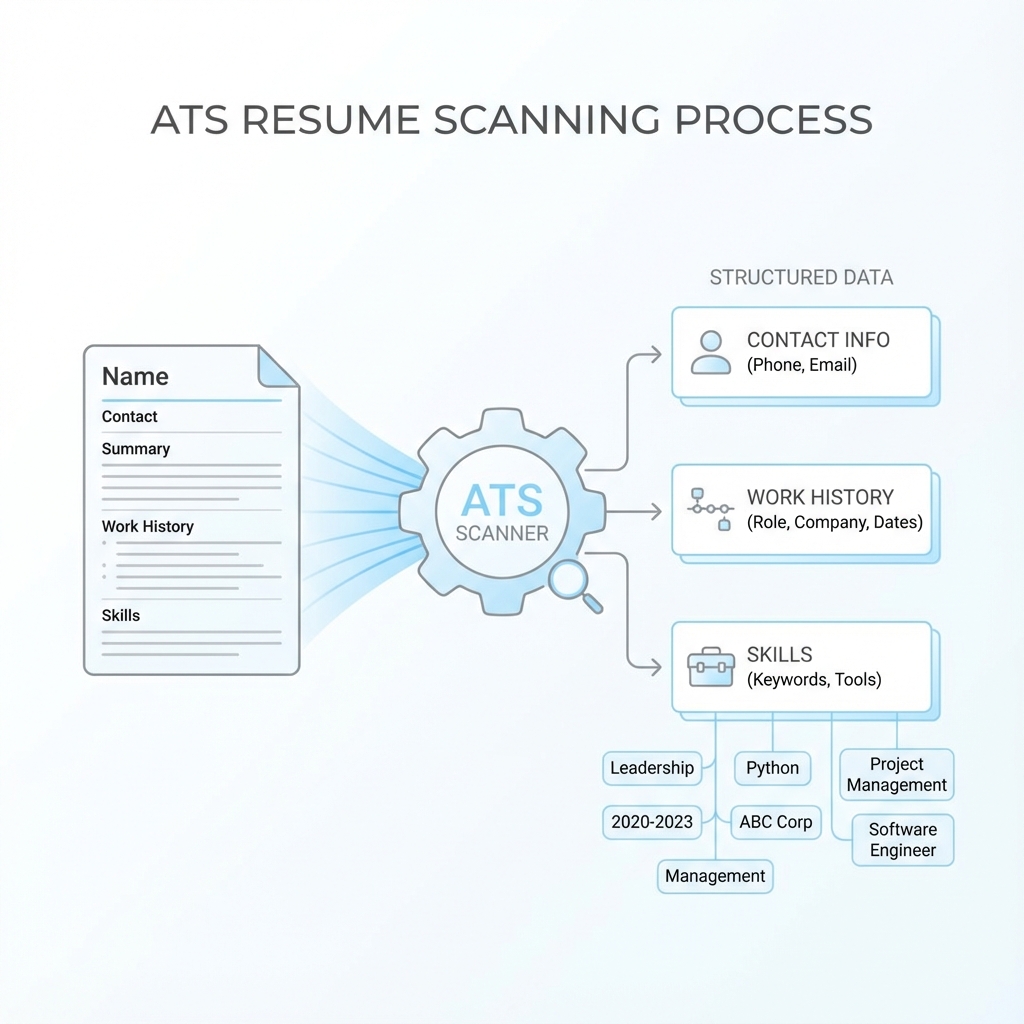
The ATS extracts text from your resume and converts it into a structured format. It identifies sections like work experience, education, and skills.
2. Keyword Matching
The system searches for keywords and phrases from the job description. Resumes with more matching keywords rank higher.
3. Scoring
The ATS assigns a score based on keyword matches, formatting, and other factors. Only high-scoring resumes are forwarded to recruiters.
4. Filtering
Resumes that don't meet minimum requirements or have formatting issues are automatically filtered out.
ATS-Friendly Formatting Rules
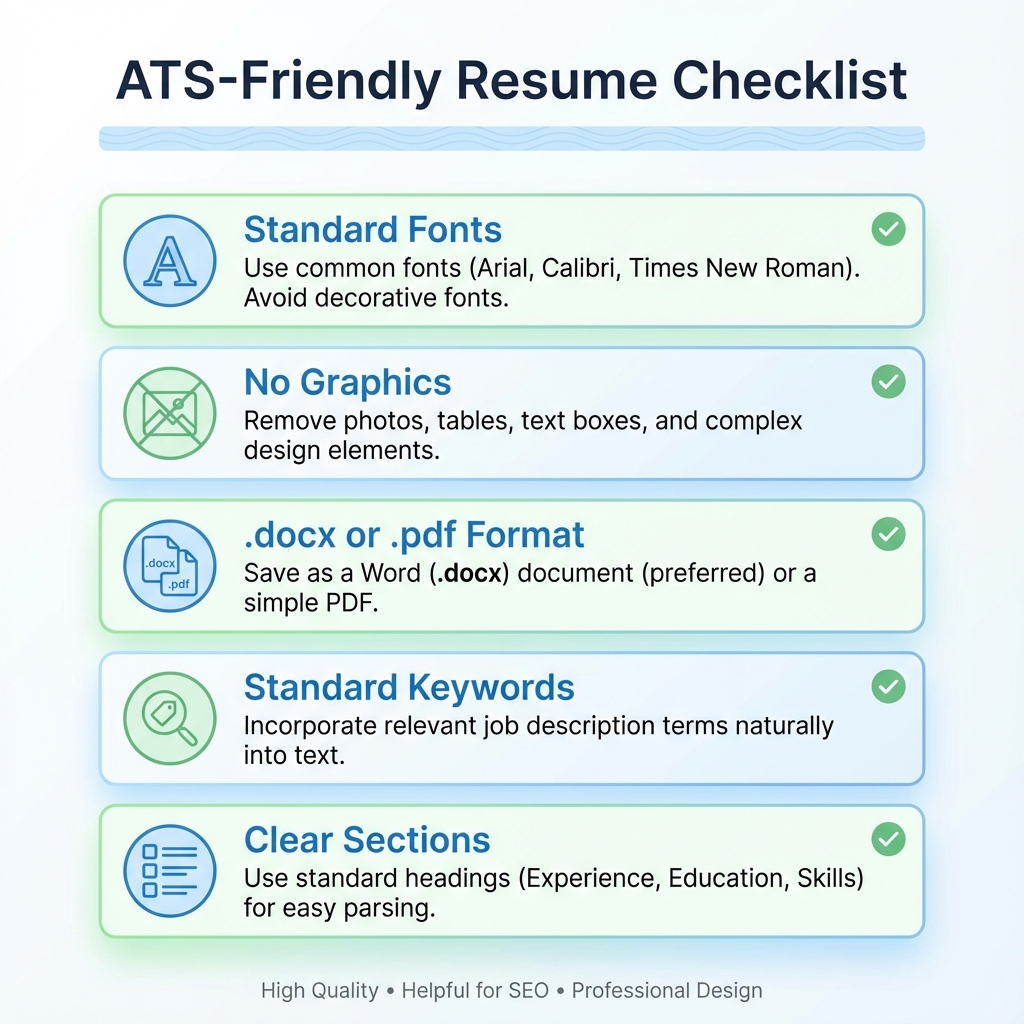
✓ Use Standard Section Headers
Use these exact section names:
- • Work Experience (or Professional Experience)
- • Education
- • Skills
- • Summary (or Professional Summary)
Avoid creative names like "Where I've Been" or "My Journey" - ATS won't recognize them.
✓ Use Simple, Clean Formatting
- • Use standard fonts (Arial, Calibri, Times New Roman)
- • Font size: 10-12 points
- • Standard margins (1 inch)
- • Simple bullet points
- • No graphics, images, or logos
✓ Save in the Right Format
Best formats for ATS:
- • .docx (Microsoft Word) - Most compatible
- • .pdf - Good, but ensure it's text-searchable
Avoid: .pages, .rtf, or image formats (.jpg, .png)
✓ Include Keywords Strategically
Keywords from the job description should appear:
- • In your professional summary
- • In your skills section
- • Throughout your work experience descriptions
Tip: Use the exact phrases from the job posting when possible.
Common ATS Mistakes to Avoid
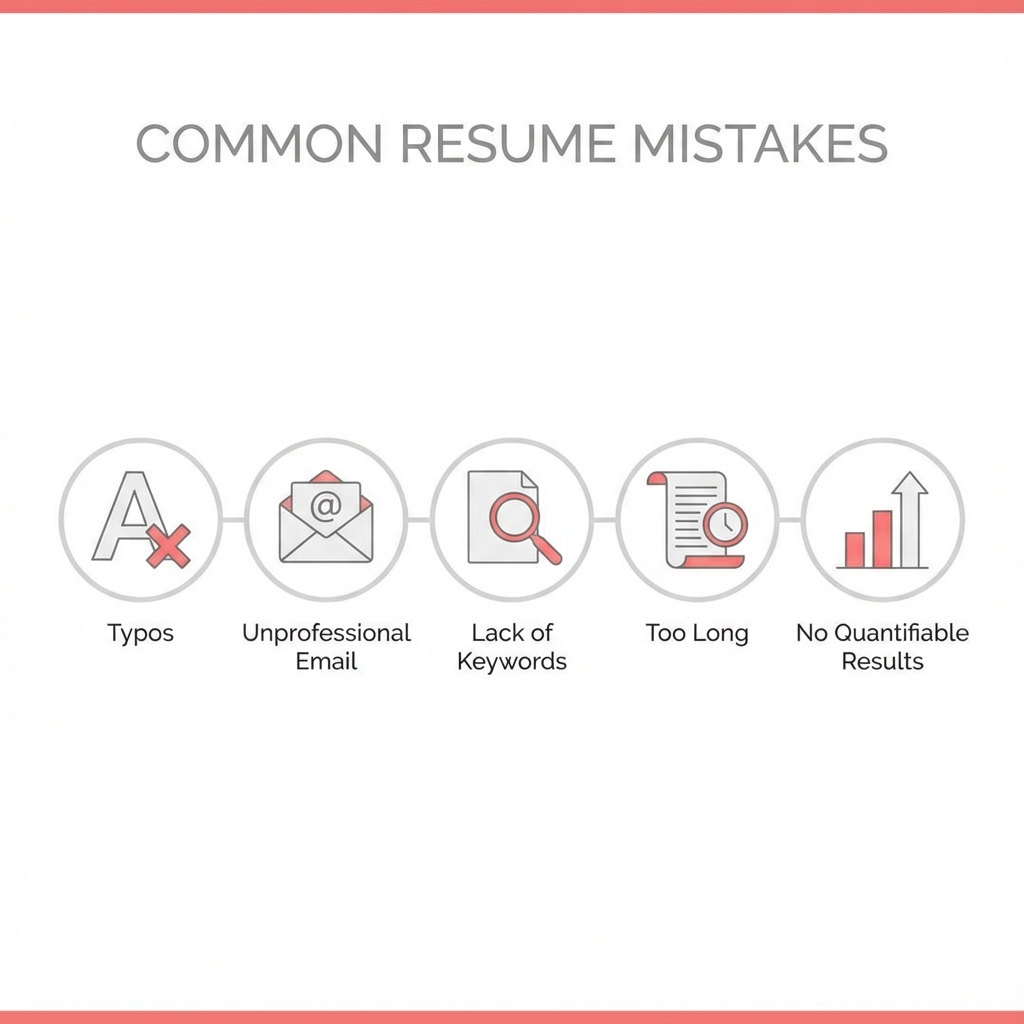
✗ Using Graphics and Images
ATS cannot read images, logos, or graphics. These elements will cause parsing errors and may result in your resume being rejected.
✗ Using Tables or Columns
Tables and multi-column layouts confuse ATS systems. They may read information in the wrong order or skip sections entirely.
✗ Headers and Footers
Information in headers and footers is often ignored by ATS. Never put important contact information or content in these areas.
✗ Fancy Fonts and Formatting
Decorative fonts, special characters, and complex formatting can cause parsing errors. Stick to standard fonts and simple formatting.
✗ Missing Keywords
If your resume doesn't include keywords from the job description, the ATS will rank it lower, even if you're qualified.
How to Test Your Resume for ATS Compatibility
1. Use ATS Testing Tools
Test your resume with free ATS checker tools:
- • Jobscan - Compare your resume to job descriptions
- • Resume Worded - Get ATS score and feedback
- • VMock - AI-powered resume review
2. Copy-Paste Test
Copy all text from your resume and paste it into a plain text editor. If formatting is lost or text appears jumbled, the ATS will have trouble reading it.
3. Keyword Analysis
Compare your resume to the job description. Make sure you're using the same terminology and keywords that appear in the posting.
4. Format Check
Verify your resume has:
- ✓ Standard section headers
- ✓ No graphics or images
- ✓ No tables or columns
- ✓ Standard fonts
- ✓ Proper file format (.docx or .pdf)
Download ATS-Compatible Templates
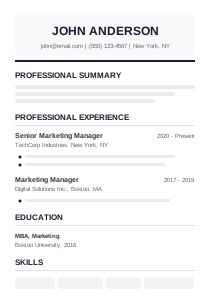
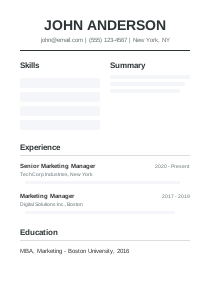
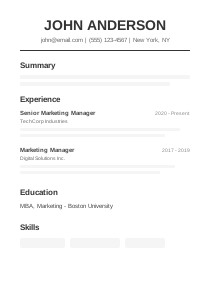
All our templates are designed to be ATS-friendly. They use standard formatting, proper section headers, and clean layouts that pass ATS screening.