Chronological Resume Format: Free Templates & Examples
The chronological resume format (also called reverse-chronological) lists your work experience in order from most recent to oldest. It's the most common and widely accepted resume format.
What is a Chronological Resume Format?
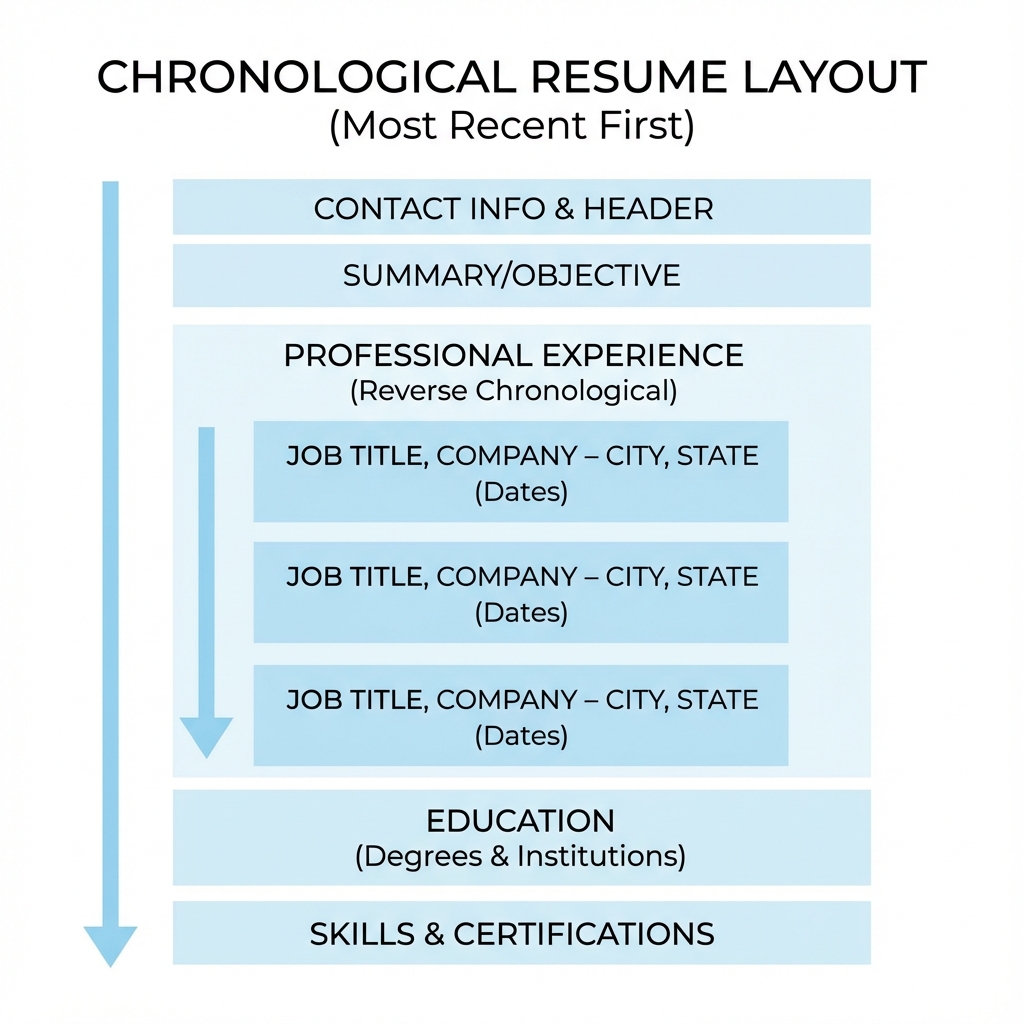
A chronological resume format organizes your work history by date, with your most recent position listed first. This format emphasizes your career progression and work experience, making it ideal for candidates with a consistent employment history.
The structure typically includes:
- Contact information at the top
- Professional summary or objective (optional)
- Work experience section (most recent first)
- Education section
- Skills section (optional)
When to Use a Chronological Resume Format
The chronological format is best suited for:
- ✓Consistent work history: You have a steady employment record without significant gaps
- ✓Career progression: You want to highlight upward career movement
- ✓Same industry: You're applying for jobs in the same field
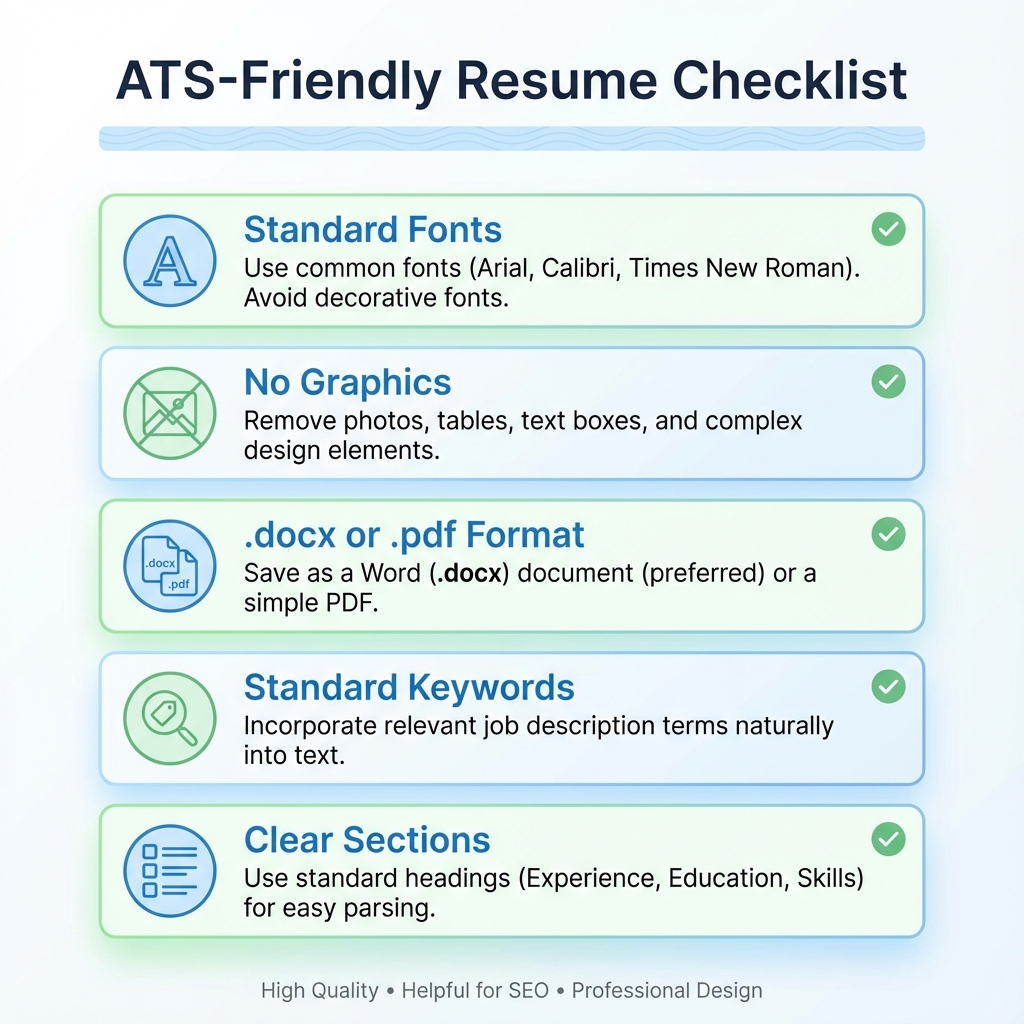
- ✓ATS-friendly: Most applicant tracking systems prefer this format
Pros and Cons of Chronological Format
Pros
- ✓Easy for employers to scan and understand
- ✓Highlights career progression clearly
- ✓Most familiar format to hiring managers
- ✓ATS-friendly and easily parsed
- ✓Shows stability and reliability
Cons
- ✗Emphasizes employment gaps
- ✗Not ideal for career changers
- ✗Less focus on skills and abilities
- ✗May highlight job-hopping
- ✗Not suitable for recent graduates with limited experience
How to Write a Chronological Resume
Step 1: Header with Contact Information
Include your full name, phone number, email address, and LinkedIn profile (optional). Keep it clean and professional.
Step 2: Professional Summary (Optional)
Write 2-3 sentences highlighting your key qualifications and career goals. This is optional but can help grab attention.
Step 3: Work Experience Section
List your jobs in reverse chronological order (most recent first). For each position, include:
- Job title
- Company name
- Location (city, state)
- Employment dates (month and year)
- 3-5 bullet points describing achievements and responsibilities
Step 4: Education Section
List your educational background, starting with the highest degree. Include degree name, institution, and graduation year.
Step 5: Skills Section (Optional)
Include relevant technical and soft skills. Use keywords from the job description to improve ATS compatibility.
Chronological Resume Format Examples
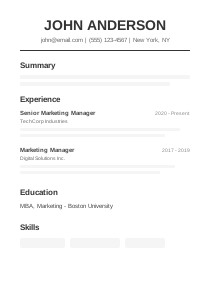
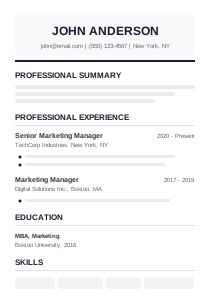
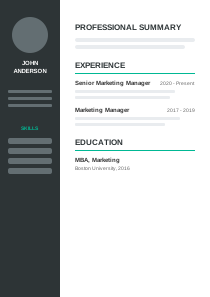
Here are visual examples of chronological resume formats:
Download Free Chronological Resume Templates
Get started with our professionally designed chronological resume templates. Available in Word, PDF, and Google Docs formats.