How to Format a Resume in 2025: Complete Guide
Proper resume formatting is crucial for making a good first impression and passing Applicant Tracking Systems (ATS). Follow this comprehensive guide to format your resume correctly.
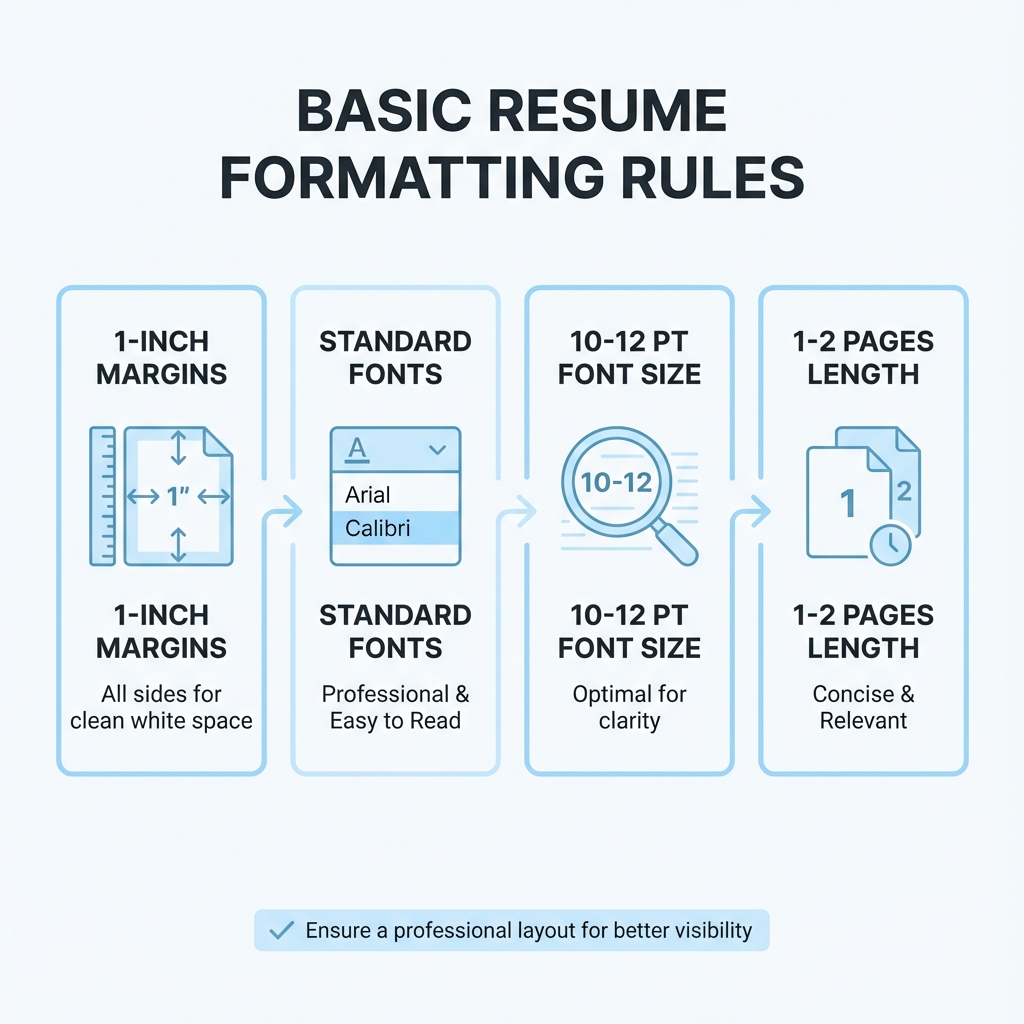
Font Recommendations
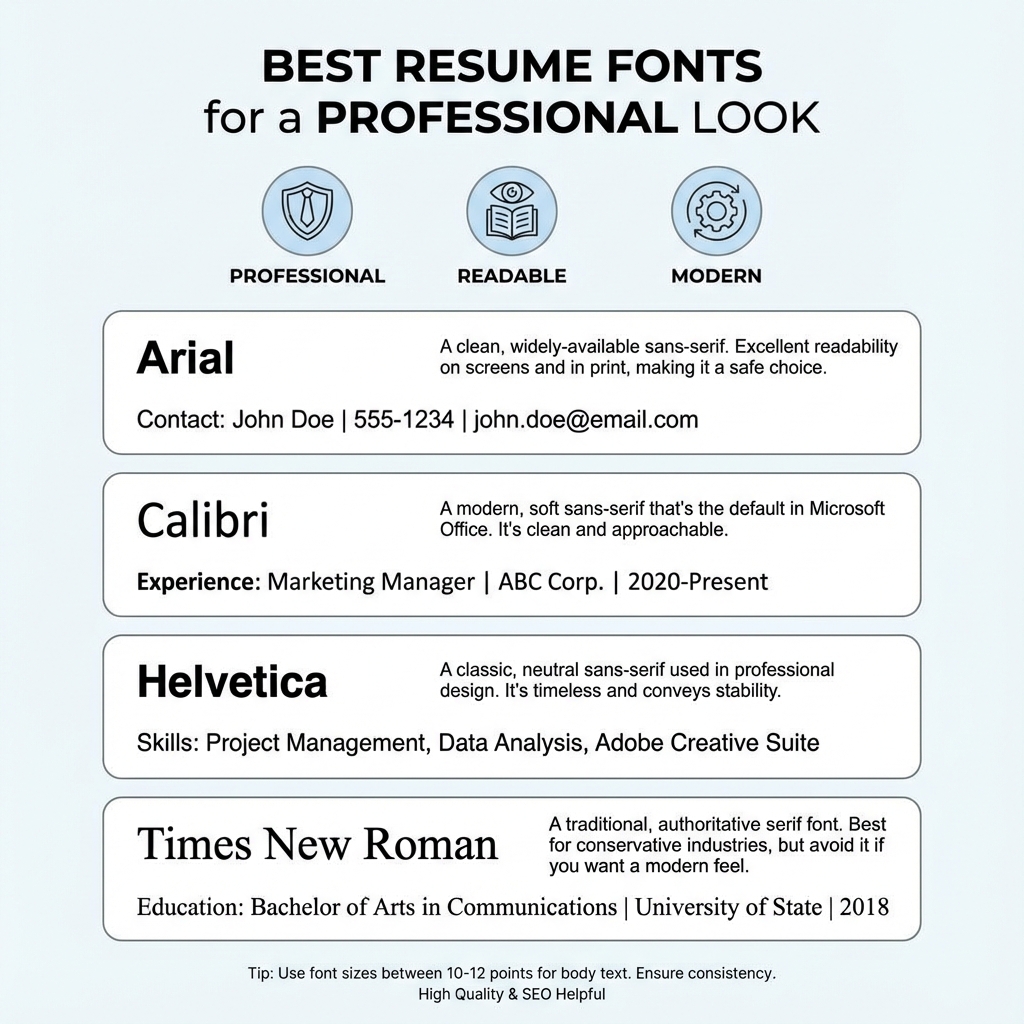
Choosing the right font is essential for readability and ATS compatibility. Here are the best fonts for resumes:
Recommended Fonts:
- ✓Calibri - Modern, clean, and widely supported
- ✓Arial - Professional and ATS-friendly
- ✓Helvetica - Clean and professional
- ✓Times New Roman - Traditional and formal
Font Size Guidelines:
- Body text: 10-12 points
- Headings: 14-16 points
- Your name: 18-24 points
- Avoid: Fonts smaller than 10pt or larger than 12pt for body text
Margin Guidelines
Proper margins ensure your resume looks professional and is easy to read. They also prevent important information from being cut off when printed.
Standard Margins:
- Standard: 1 inch on all sides (recommended)
- Minimum: 0.5 inches (if you need more space)
- Maximum: 1.5 inches (for very short resumes)
Tip: Keep margins consistent on all sides for a professional appearance.
Line Spacing Rules
Proper line spacing improves readability and makes your resume easier to scan.
Spacing Guidelines:
- Between sections: 1.5-2 line spaces
- Between bullet points: 1.15-1.5 line spacing
- Within paragraphs: Single or 1.15 line spacing
- White space: Use generously to improve readability
Resume Section Order
The order of sections on your resume matters. Follow this standard order for maximum impact:
1. Header (Contact Information)
Name, phone, email, LinkedIn, location
2. Professional Summary (Optional)
2-3 sentences highlighting your key qualifications
3. Work Experience
Most important section - list in reverse chronological order
4. Education
Degrees, institutions, graduation dates
5. Skills
Technical and soft skills relevant to the job
6. Additional Sections (Optional)
Certifications, awards, languages, volunteer work
One-Page vs Two-Page Resume
One-Page Resume
Use when:
- ✓ You have 0-10 years of experience
- ✓ You're a recent graduate
- ✓ You're changing careers
- ✓ The job posting emphasizes brevity
Two-Page Resume
Use when:
- ✓ You have 10+ years of experience
- ✓ You have extensive relevant experience
- ✓ You're applying for senior/executive roles
- ✓ You have multiple relevant certifications
Important Rule:
Never exceed 2 pages unless you're in academia or applying for a CV position. Most employers prefer concise resumes.
ATS-Friendly Formatting Rules
Applicant Tracking Systems (ATS) scan resumes before they reach human eyes. Follow these rules to ensure your resume passes ATS screening:
Do's:
- ✓Use standard section headers (Work Experience, Education, Skills)
- ✓Save as .docx or .pdf format
- ✓Use simple, clean formatting
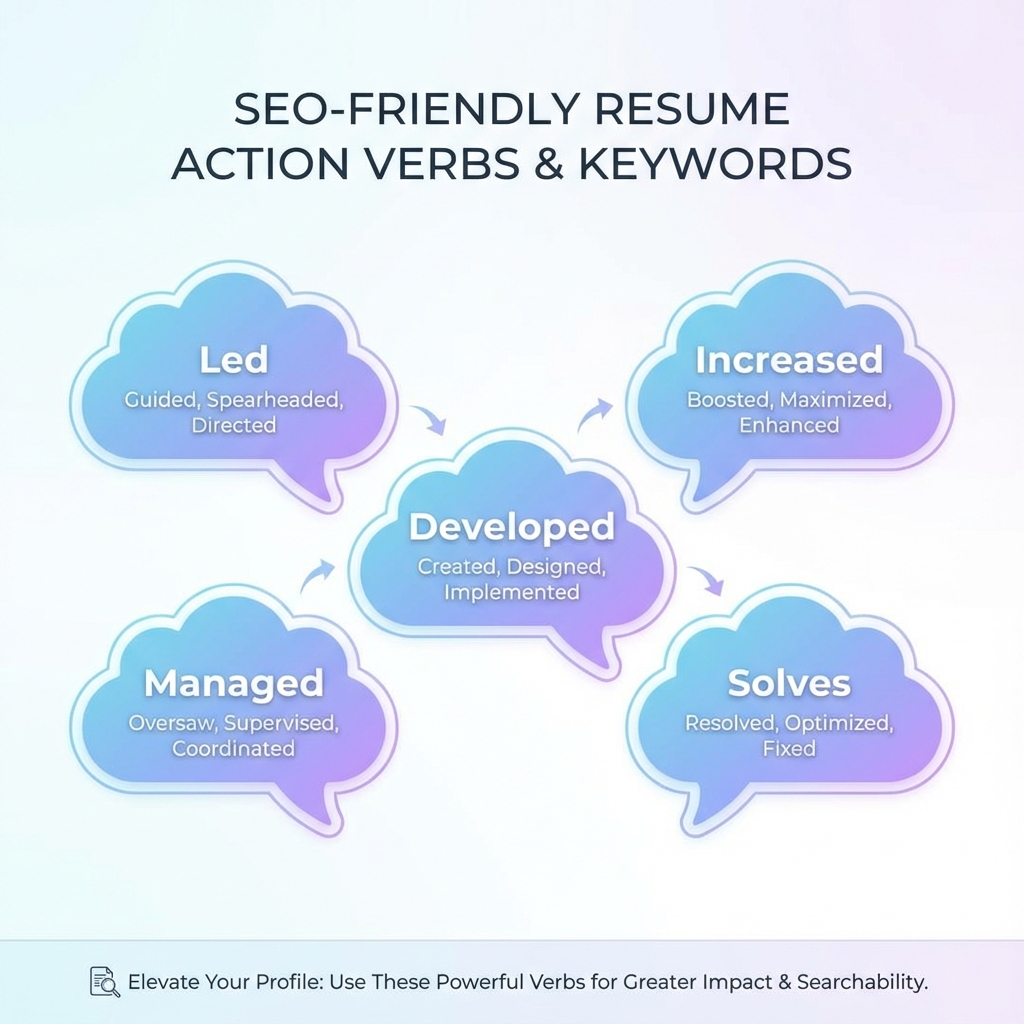
- ✓Include keywords from the job description
- ✓Use standard fonts (Arial, Calibri, Times New Roman)
Don'ts:
- ✗Avoid graphics, images, or logos
- ✗Don't use tables or complex formatting
- ✗Avoid headers and footers
- ✗Don't use fancy fonts or decorative elements
- ✗Avoid text boxes or columns